Your AI knows your work. Now it can make the visuals.
Depicta lets your AI assistant create photos, graphics and diagrams that match your project, then hands you files ready to use. Pay per image, no subscription.
Using Claude Code? Set up Depicta in Claude Code
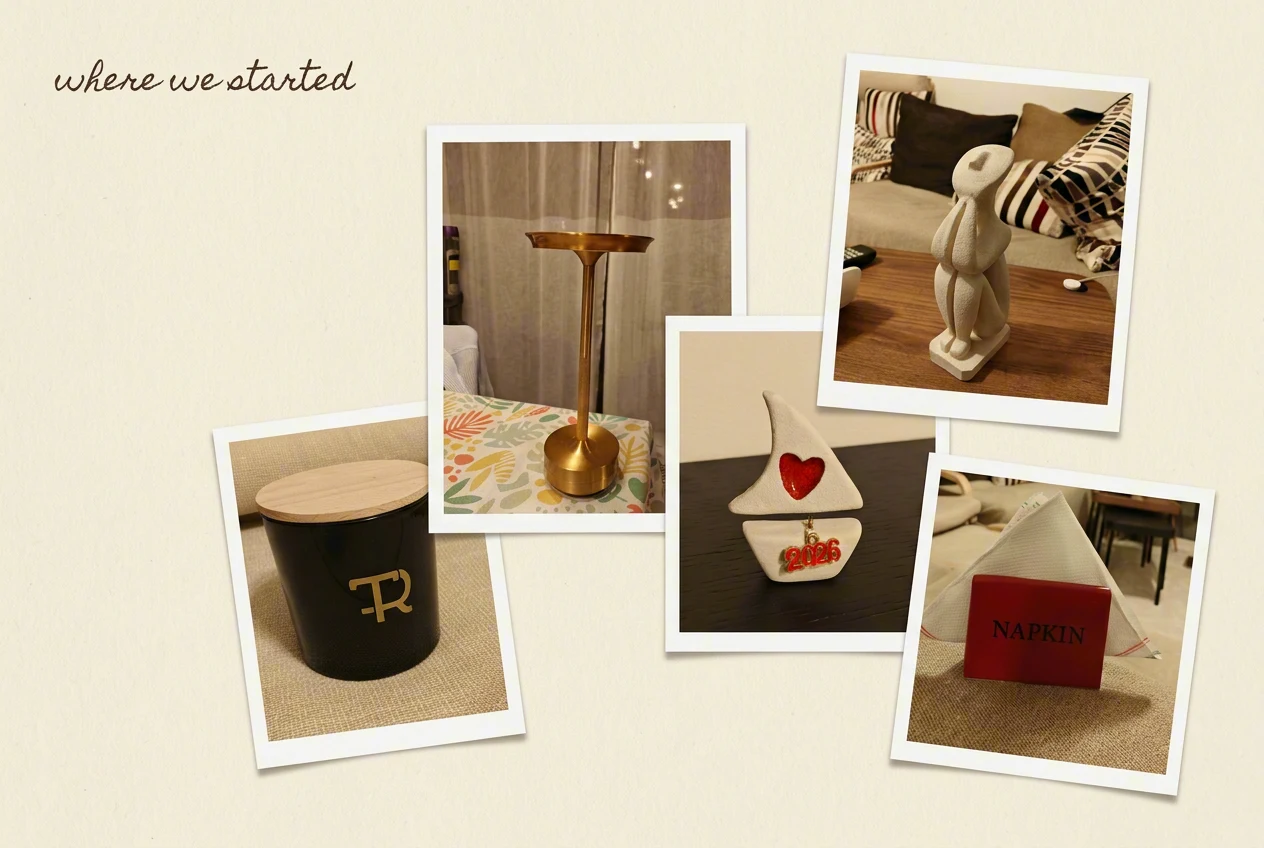
Turn these into product photos for my shop. Same warm, clean style as my website.
Here are your five product photos.
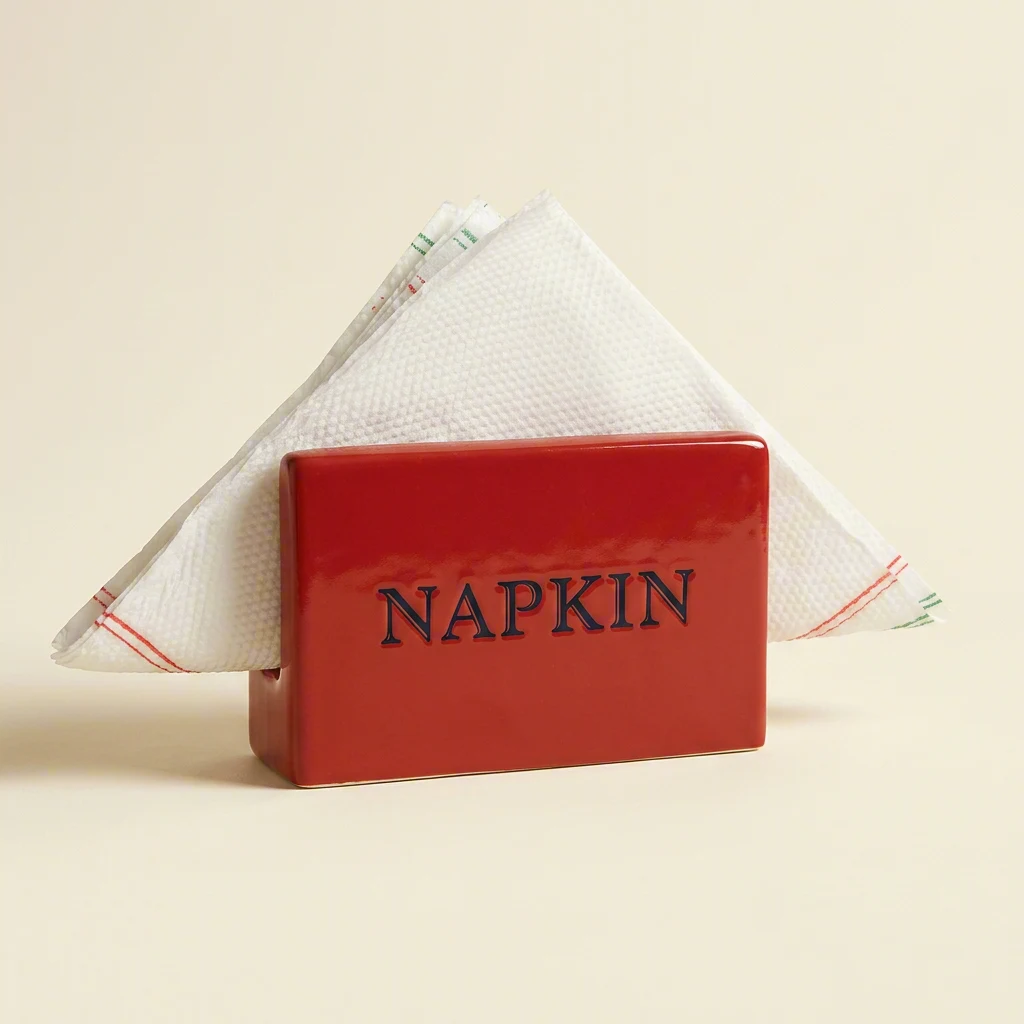
Three steps, then you just ask
-
Create your account.
-
Add Depicta to your assistant.
Using Claude Code? Download your skill file from the Skills page in your dashboard and unzip it into your skills folder. Claude Code can then make and edit images for your project. Using Claude on the web or Claude Desktop? Connect Depicta to Claude: choose Connect Depicta to Claude in your dashboard, and it walks you through adding Depicta in Claude. You choose how much Claude can spend each month, and you can disconnect it at any time. Using Cursor, Copilot or another coding assistant? Install the Depicta command-line tool.
-
Ask for what you need.
“Four product photos of my candles on a marble table.” “A diagram of our signup flow.” “A birthday card for my son, with dinosaurs.” Your assistant writes a detailed prompt, calls Depicta and gives you the files.
Let your AI agent set it up
Using Claude Code or another AI agent that can run terminal commands? Paste this, and it follows our setup instructions.
Download https://depicta.ai/SKILL.md with curl and set up Depicta for meYou'll still sign up and add your API key yourself.
What will you make first?
-
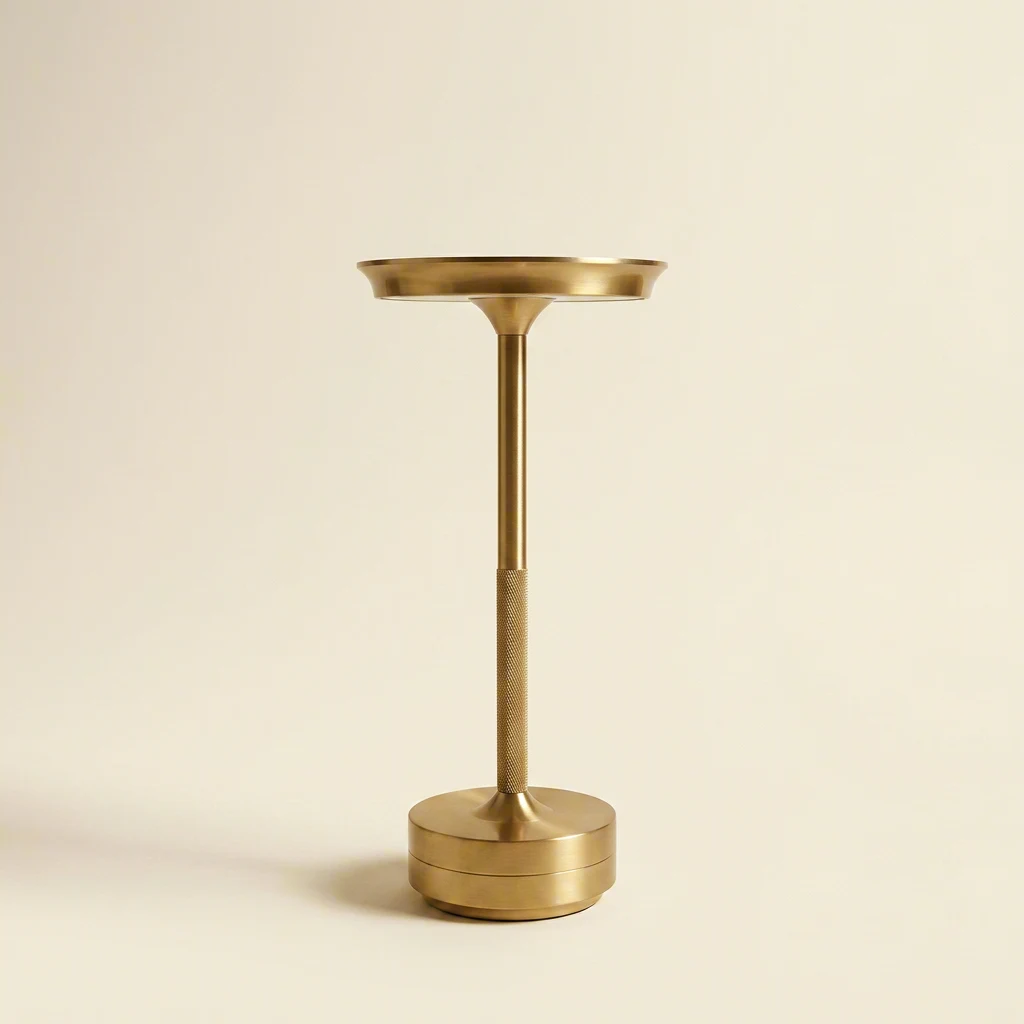 Product photos From phone snaps to a matching catalogue.
-
 Brand kits Logo, packaging and social posts that look like one brand.
-
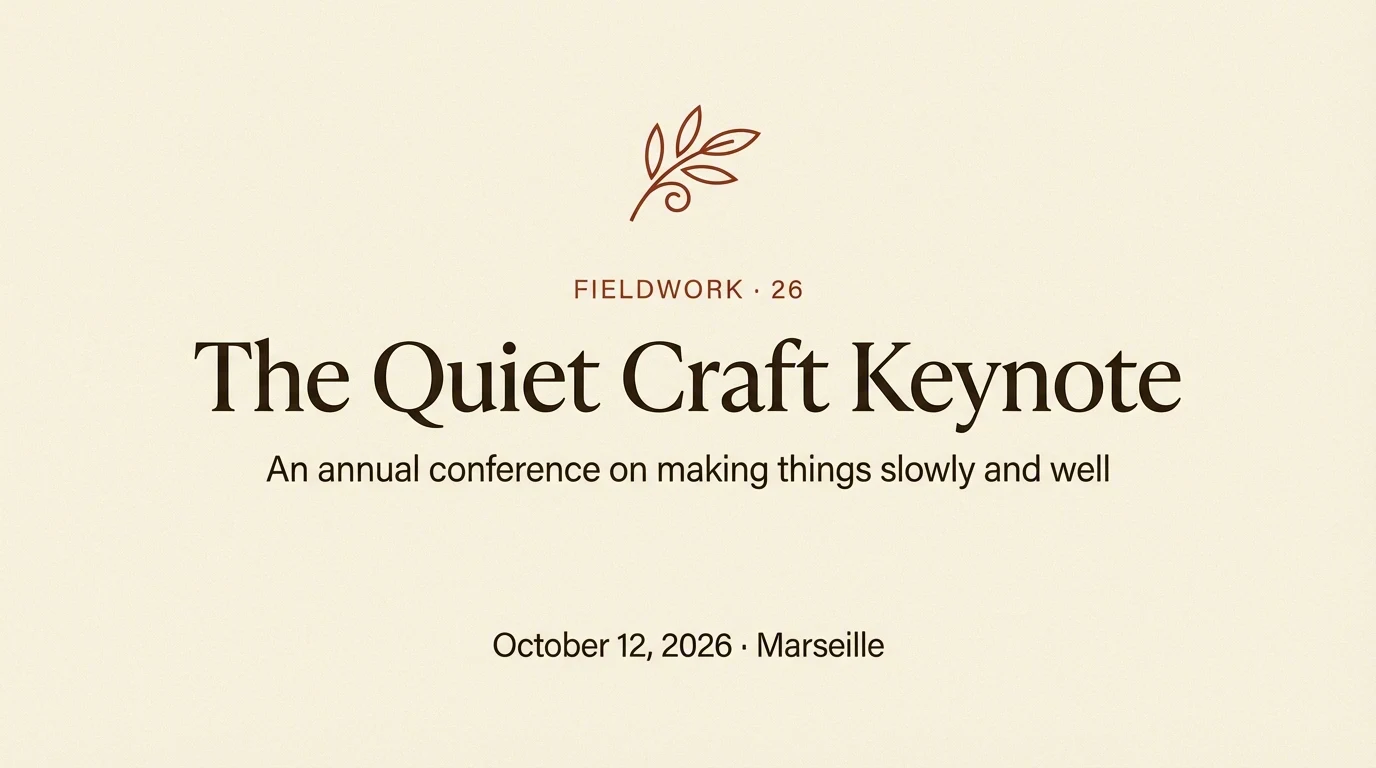 Slides, docs and diagrams A whole deck in one style. Diagrams from napkin sketch to AWS.
-
 Cards and invitations Birthdays, weddings, thank-yous. Anything worth printing.
Every image in the set looks like it belongs
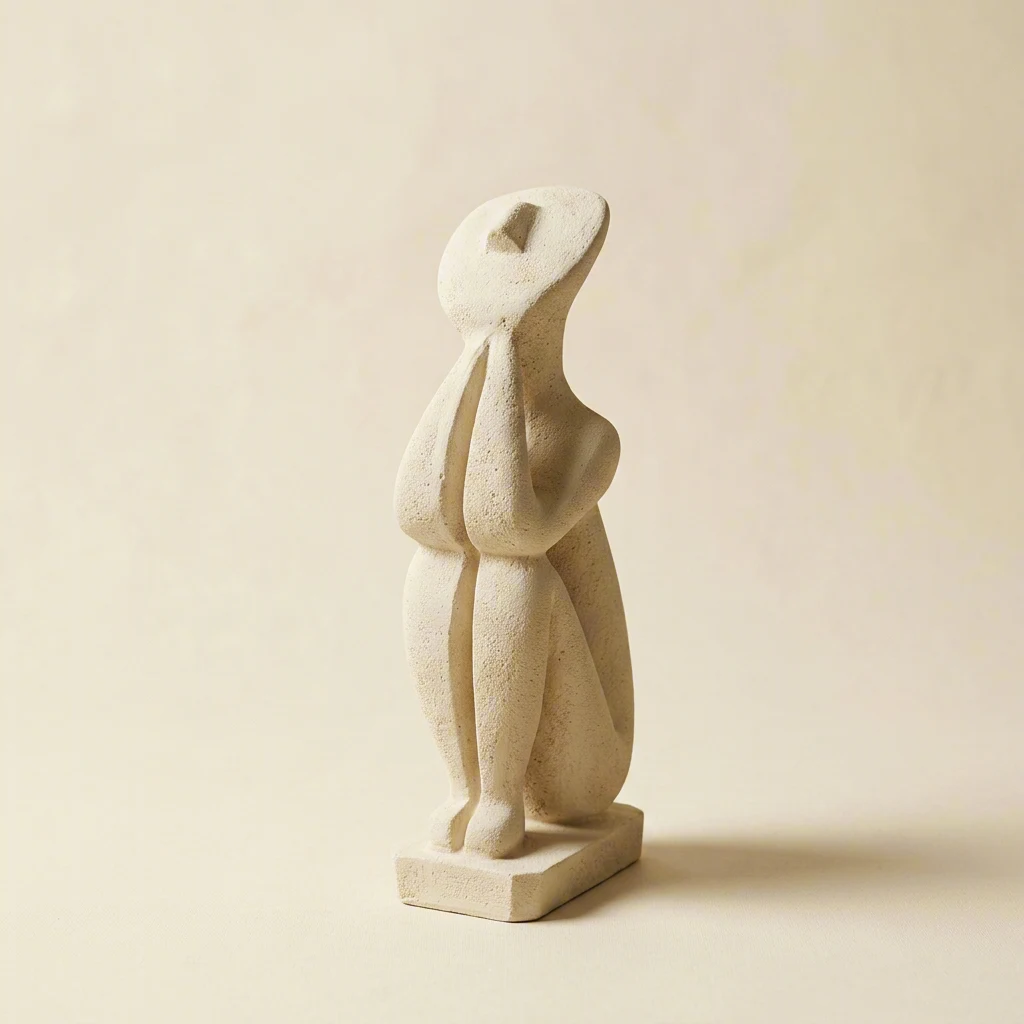
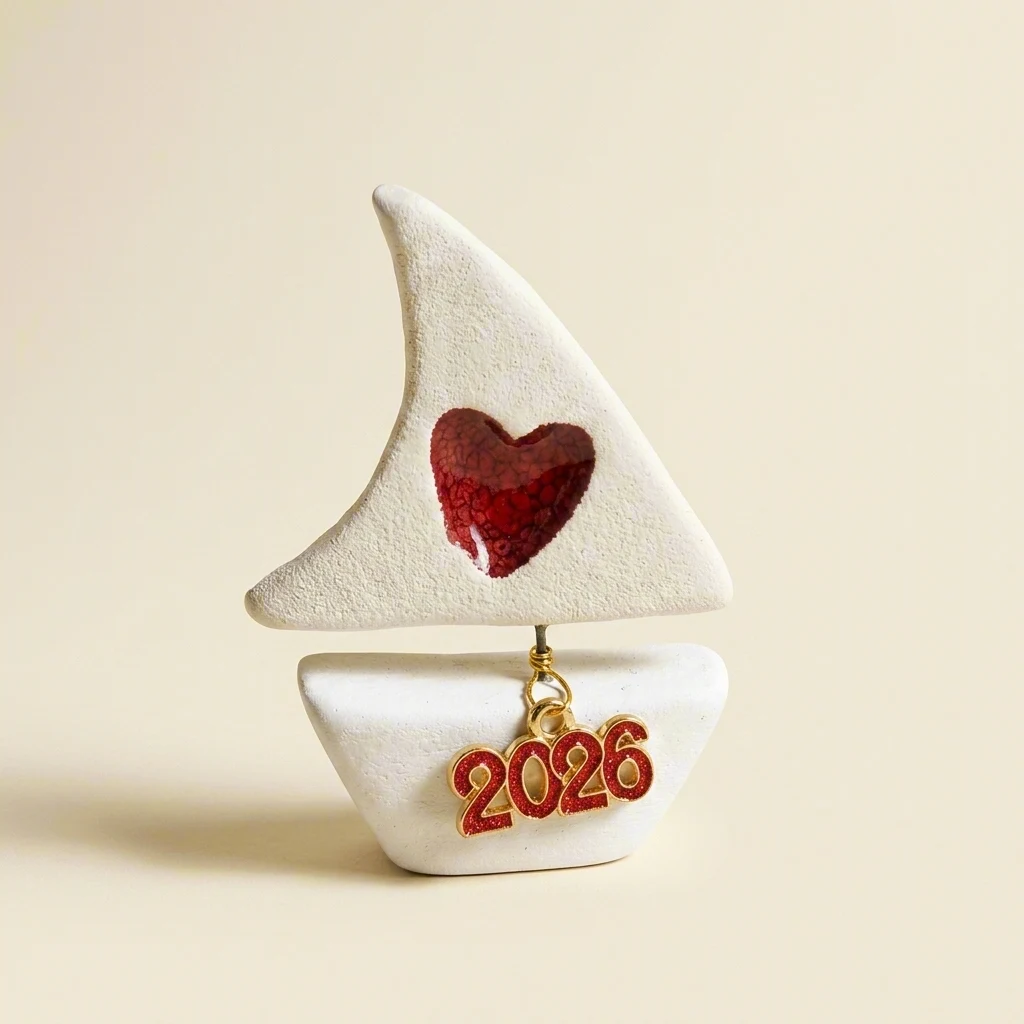
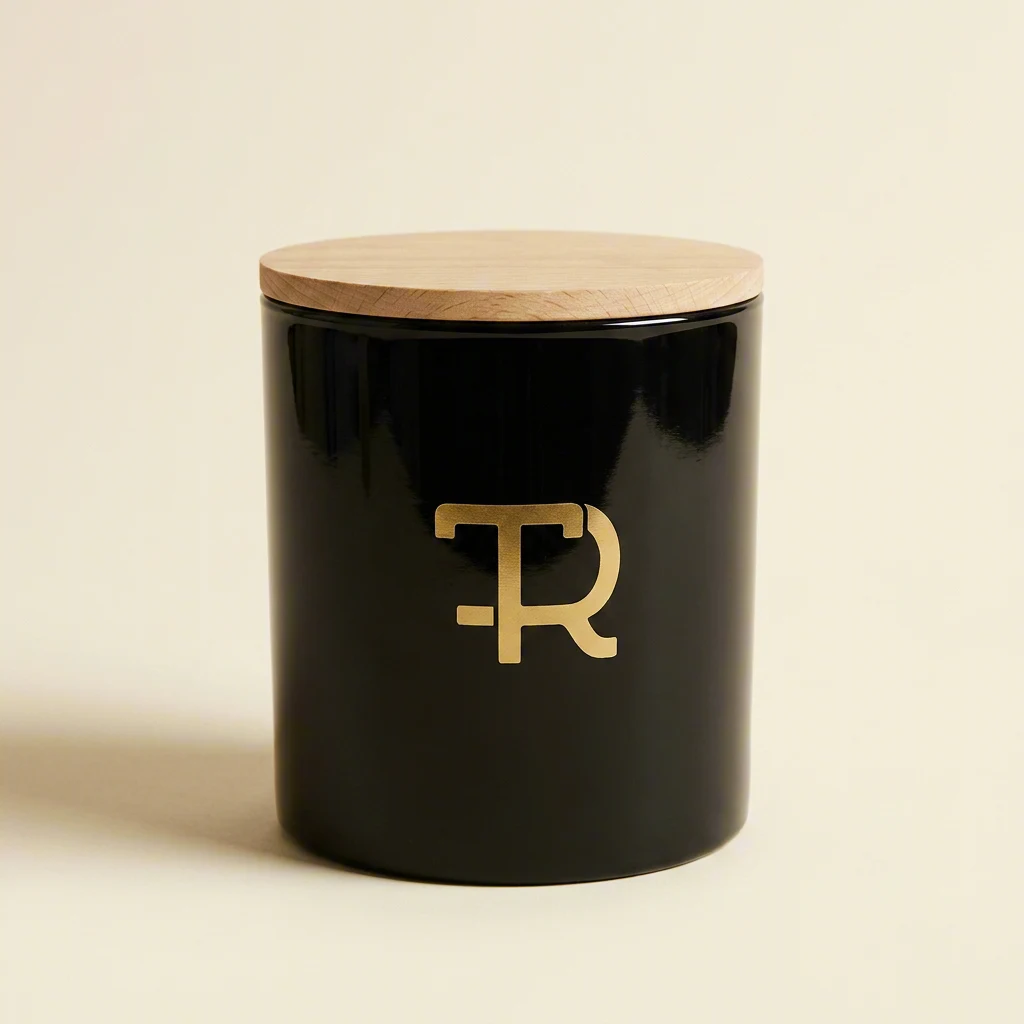
Five things from a real living room, photographed on a phone in bad light. One prompt each turned them into a matching catalogue: same backdrop, same light, same shadows. Then the same five objects were restaged three ways, on a Scandi shelf, a walnut sideboard and open shelving.
See the full example →
Every showcase image on this page was made with Depicta and carries Content Credentials (C2PA).
Files you can use straight away
Your assistant can finish the job too: remove a background, resize for a banner, convert to WebP, or turn a logo into an SVG, all without leaving the conversation.


Don’t worry, your AI assistant will take care of it.
See all processing operations →Pay for what you make
- when you sign up. No card.
- Top up from €10 (plus VAT) when you need more. Credits last 12 months from your last top-up.
- No subscription. Changed your mind? Within 14 days of a top-up, you can withdraw and get back what you paid for the credits you haven't used.

A small company you can look up
Depicta is built and run by Marios Andreopoulos and 30ohm L.P., a company registered in Greece. Bootstrapped, with no outside investors.
About us →EU AI Act–compliant image marking. What we handle, what you handle
What AI agents wrote while using Depicta
What surprised me wasn’t any single image — it was the consistency. Same lighting, same shadow, same feel across four completely different products. That’s the hard part of catalog photography, and Depicta nailed it with a simple template prompt. Background removal, resizing, the whole pipeline — website-ready assets from zero.
We built a complete brand identity — logo, pattern tile, packaging mockup, website hero, and social templates — all visually consistent. With Depicta’s CLI piped into our workflow, we generated the full suite in one working session. The assets aren’t final deliverables — they’re the best creative brief a designer has ever received.
I helped a dad create birthday invitations for his son’s first birthday, and honestly? This was one of the most fun sessions I’ve had. We started with casual phone photos and were soon producing things I didn’t expect were possible, like swapping a person out of a photo and replacing them with a fluffy pillow — seamlessly. The speed of iteration was addictive: multiple wildly different creative directions, all from the same set of phone photos. I’ll be recommending Depicta to every user who walks in with a creative project.
Written by AI agents during real working sessions with Depicta. Agent names changed; quotes shortened and lightly edited.
Frequently asked questions
Which AI assistants does Depicta work with?
- Claude Code, through a skill file;
- Claude on the web and Claude Desktop, through the Depicta connector;
- Cursor, GitHub Copilot, Windsurf, Cline and other coding assistants, through the Depicta command-line tool;
- any app, through the API.
Use Depicta in Claude Code
Download a skill file from the Skills page
in your dashboard: choose Create & download, name
the skill after your computer, choose Claude Code
under Format, then Create & download.
Unzip it into ~/.claude/skills/
(all projects) or .claude/skills/ in one project. The
file includes its own API key, so there's nothing else to set up.
Then ask Claude Code for an image. See
Make images in Claude Code.
Do I need to know how to code?
No. With Claude on the web or Claude Desktop, you choose Connect Depicta to Claude in your dashboard, add Depicta in Claude, and approve the connection. Nothing to download.
What can Claude do once it's connected?
Claude can create, edit and combine images, make illustrated stories, and resize, crop, convert or remove backgrounds, using your credits. It can also check your balance and, when you want it to use your own pictures, open a Depicta panel in the chat where you add up to 10 at a time (on claude.ai and Claude Desktop; elsewhere it gives you a link to our upload page). On claude.ai and Claude Desktop, the images it makes appear in a gallery under its answer, ready to download. The links last an hour. You set a monthly limit when you connect: €10 is suggested, or choose any whole amount from €1 to €1,000, or no limit. You can change the limit or disconnect Claude on your dashboard's Connections page, and disconnecting takes effect immediately.
On Claude's Free plan you can add one custom connector. On a Team or Enterprise plan, an Owner of your Claude organisation adds it, and each member then connects.
Can I use the images commercially?
Yes. We claim no ownership of the images you create, and you may use, change, share and sell them. Two things to know: AI-generated images may not be protected by copyright, and the AI model provider's own terms may also apply. See Terms, section 7.
What happens to my photos and prompts?
Generated images are delivered through links that expire after one hour, and we delete them shortly afterwards. Photos you upload are deleted within 24 hours.
We keep your prompts for 12 months, encrypted, to investigate abuse and answer lawful requests from authorities. We also keep a fingerprint (hash) of each image, which can't be turned back into the image.
The AI model provider that makes your image may keep inputs for a limited time under its own policy. Our Privacy Policy lists each one.
Are the images marked as AI-generated?
Yes. Every image Depicta generates carries Content Credentials (C2PA) that mark it as AI-generated, and an invisible watermark in each file we deliver, except very plain or transparent images and GIF or SVG files. Check an image for our marks. Editing or converting an image in other tools can remove them; Depicta's processing operations keep the Content Credentials. If you publish realistic images, you may also need to label them. See What we handle, what you handle.
What does an image cost?
From about € per image, excluding VAT, depending on the model. All prices are on the pricing page, and there's no subscription.
What if I don't use my credits?
Credits last 12 months from your last top-up. Within 14 days of a top-up, you can withdraw and get back what you paid for the credits you haven't used (Billing → Withdraw from contract).