
Billing
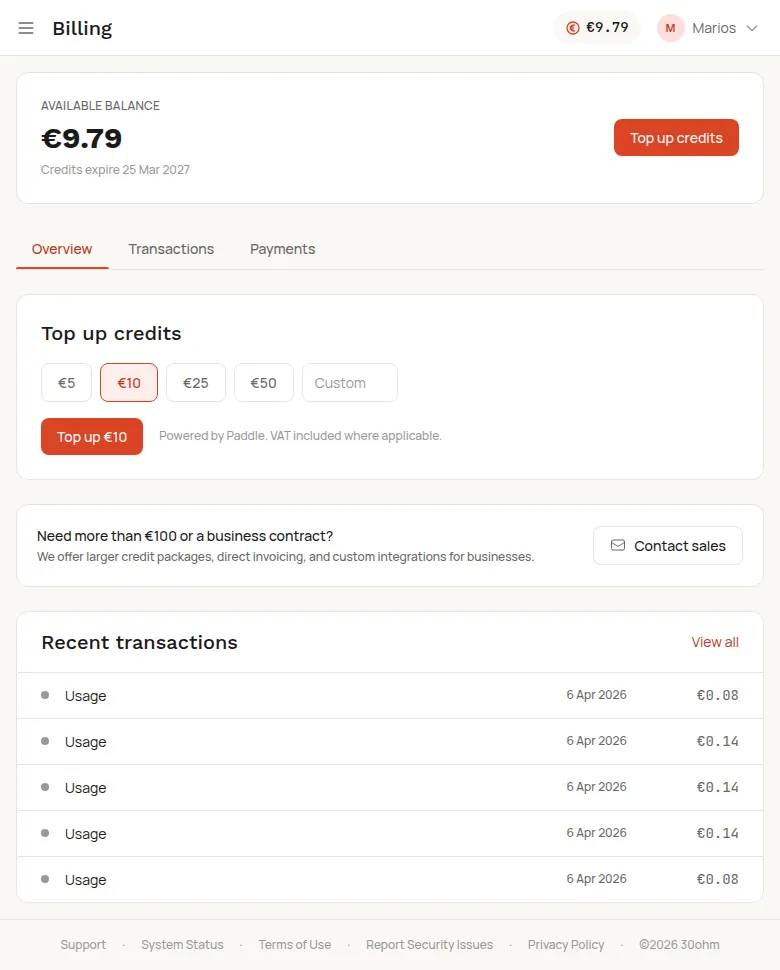
Credit balance
Section titled “Credit balance”Your current balance is shown at the top of the dashboard and on the Billing page. See Credits and billing for how the credit system works.
Top up
Section titled “Top up”- Go to the Billing page.
- Choose an amount (minimum EUR 5).
- Complete payment — Stripe handles the checkout. Charges appear on your statement as
LINK.COM* DEPICTA.
Credits are added instantly. Your 12-month expiry timer resets with each paid top-up.
Payment history
Section titled “Payment history”The Billing page shows your transaction history: top-ups, refunds, and trial credits.
Invoices
Section titled “Invoices”Stripe provides invoices for all purchases. You can download them from the payment confirmation email.